
Price tracking tools watch the things you already plan to buy and ping you when the price drops, so you stop guessing whether to buy now or wait. Set one up in about fifteen minutes: make a short wishlist, add each item to a tracker such as your browser’s built-in shopping tool, a price-history site like CamelCamelCamel for Amazon listings, or a deal-alert app, and set a target price for each item. Then buy only when an alert fires — or when you genuinely need the thing, whichever comes first.
That’s the whole system. The tools are free, they’re simple, and they fix the one problem every shopper has: you can’t remember what a fair price was. Was that air fryer always this price, or is the “sale” just theatre? A tracker remembers for you. It shows the history, not the hype.

Why prices bounce so much in the first place
Online prices move constantly. Retailers test prices, match competitors, clear stock, and raise prices before big sale events so the discount looks deeper. Consumer advocates have documented this pattern for years, and it’s exactly why a single screenshot of today’s price tells you almost nothing.
A price history fixes that. When you can see that a blender sat at a lower price for most of last month, today’s “limited-time deal” loses its power over you. You don’t need willpower. You need data, and the tracker hands it to you in one glance.
The three kinds of tracking tools, explained plainly
1. Browser built-ins and extensions
Chrome and Edge both have built-in shopping features that can track a product page and flag price drops, and extensions from deal sites do the same job with more alerts. These are the easiest starting point: visit the product page, click track, done. They work across many stores, which suits a mixed wishlist — shoes here, headphones there, a coffee machine somewhere else.
2. Price-history sites
CamelCamelCamel is the best-known example for Amazon: paste in a product link and you’ll see its price history chart plus the option to set an alert at your target price. History sites answer the “was it cheaper before?” question better than anything else. Their weakness is scope — most cover one retailer deeply rather than every store shallowly.
3. Deal-alert apps and communities
Apps like Slickdeals let you set deal alerts by product name or category, so other shoppers’ finds come to you. These shine for things you want but can’t name exactly — “a robot vacuum under my target price, from a brand I’d trust.” You set the alert once and let the crowd do the hunting.
You don’t need all three. Most people do great with one history tool for their main store plus alerts on their browser. Stack more only if you enjoy this stuff. Some of us do.
Set your target price like a pro
The target price is where the system succeeds or fails, and most people set it wrong in one of two ways.
Too timid: you set the target a coin below today’s price, the alert fires tomorrow, and you saved almost nothing. Too greedy: you set it below the lowest price the item has ever reached, the alert never fires, and you buy in a rush later at full price.
Use the history instead. A sensible target is near the low end of the item’s recent range — the price it has actually touched in the past few months, according to its price history chart. That price has happened before, so it can plausibly happen again. For seasonal items, check what happened at the last big sale event and set your target a little above that low. Close enough to fire, low enough to matter.
The wishlist rule that saves the most money
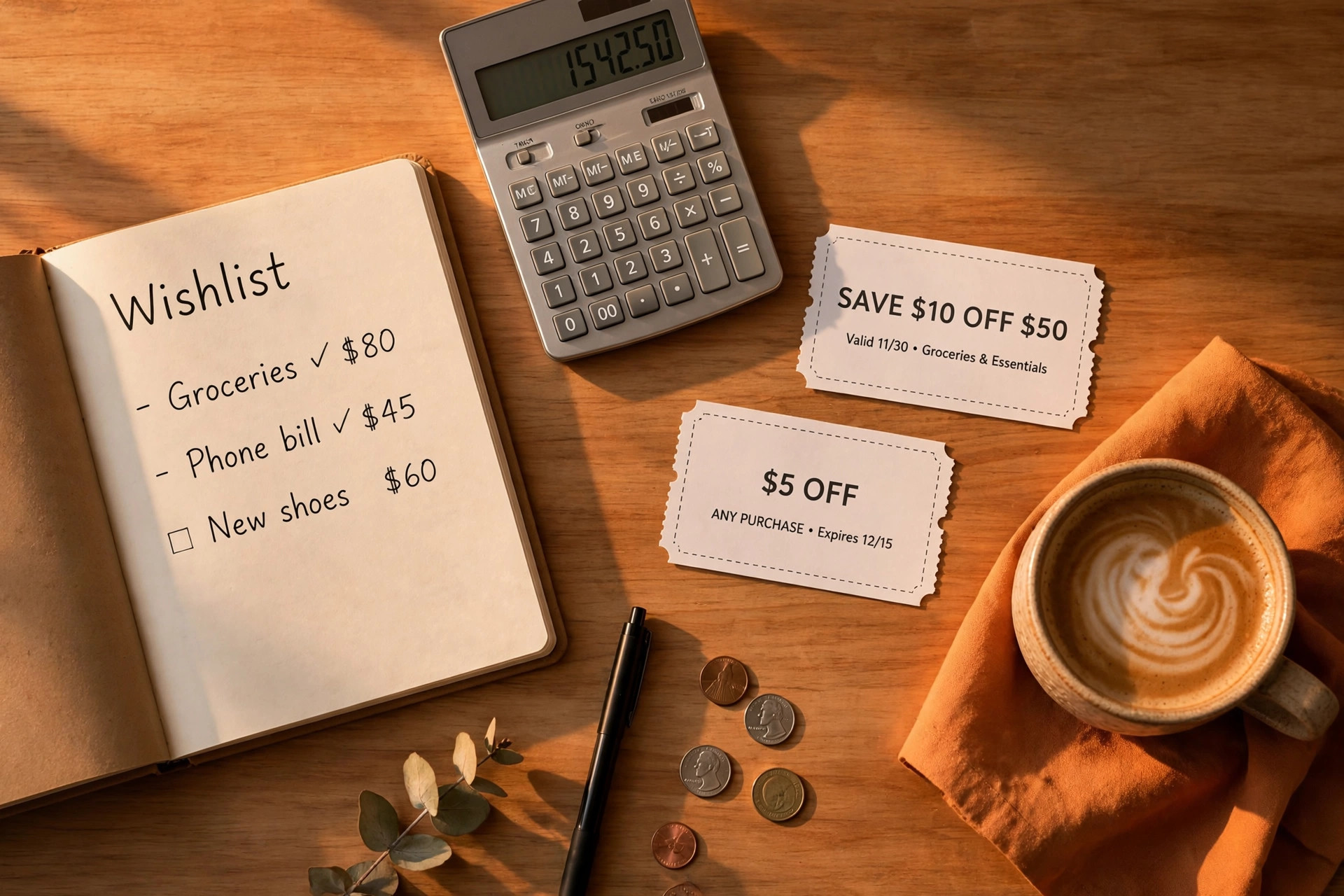
Trackers only protect you from overpaying on things you already decided to buy. They can’t protect you from wanting new things at 1 a.m. So keep one rule: an item goes on the wishlist first, and it stays there at least a week before any alert can trigger a purchase.
That waiting week is brutal and brilliant. Half the list quietly deletes itself — you stop caring about the gadget, the shoes, the kitchen thing. The other half? Buy those when the price drops, guilt-free, knowing you wanted them at full price and got them at your price. That’s not deprivation. That’s the entire game, won.
A simple weekly routine
- Friday, five minutes: add anything you’re considering to the wishlist. Nothing gets bought on the day it’s added.
- When an alert fires: check the history chart, confirm it’s a real low, then buy or pass within the day. No third option — endless “thinking about it” is how carts fill up.
- Monthly: delete stale items. A wishlist full of dead wants trains you to ignore alerts, and ignored alerts are just notifications with extra steps.
Pair tracking with coupons, in the right order
Since you’re here for coupons: yes, tracking and coupons stack, but the order matters. Price first, code second.
Wait for the tracker to confirm a genuine low price. Then, at checkout, look for a coupon code, a cashback offer, or a gift-card promotion on top. A code applied to an inflated price still loses to a fair price with no code at all — run the maths on the final total, every time. The final total is the only number that’s real.

Common mistakes that quietly cost you
Tracking everything. Forty alerts a week teaches your brain to swipe them all away. Track the ten things you actually intend to buy this season.
Trusting the strikethrough price. The “was” price on a product page is marketing, not evidence. The history chart is evidence. When they disagree, believe the chart.
Forgetting the need-it-now exception. If your washing machine dies, buy the replacement. Tracking is for planned purchases, and life doesn’t consult your wishlist. The system exists so the planned buys subsidise the emergencies — not so you can feel guilty about a broken appliance.
Frequently asked questions
Are price tracking tools really free?
The main ones covered here are free for shoppers: browser shopping features, CamelCamelCamel’s price histories and alerts, and deal-alert apps all offer their core tracking at no cost. Some offer paid tiers with extra features, but basic drop alerts — the part that saves you money — are free.
Which tracker should I start with?
Start where you shop most. Mostly Amazon? Begin with a price-history site like CamelCamelCamel. Shop across many stores? Use your browser’s built-in tracking or a shopping extension. One tool, used consistently, beats four tools you forget to open.
How far below the current price should I set my target?
Set it near the low end of the item’s recent price range shown in its history chart — a price it has genuinely reached in recent months. Targets below the all-time low rarely fire, and targets just under today’s price save too little to matter.
Do price trackers work for in-store shopping?
Yes, as a reference. Scan the barcode or search the product on your phone in the aisle, check its online price history, and you’ll know whether the shelf price is a genuine deal or just dressed up as one. Some stores will also match their own online price if you ask — always ask.
Can I combine a price drop with a coupon code?
Often, yes. Wait for the tracked price to hit your target first, then apply any coupon code or cashback offer at checkout. Judge the result by the final total you actually pay, not by the size of any single discount shown on the page.
This article was created with AI assistance and reviewed by our editorial team before publishing.