Turn on price-drop alerts for things you already plan to buy, set a clear target price for each one, and mute everything else. That simple split does most of the work. The right alerts save you a second search later. The wrong ones just train you to ignore your phone.
Start With a Short List, Not Every Sale
Here’s the mistake almost everyone makes. You turn on alerts for a whole store. Then you get pinged for shoes, lamps, dog toys, and a blender you looked at once by accident.
None of that helps. You stop reading the alerts within a week.
Do it the other way around. Pick five to ten items you know you’ll buy in the next few months. Think running shoes that are wearing thin. Think the coffee you reorder. Think a winter coat for your kid before the size sells out.
That list is your alert list. Nothing else gets a notification.
Why so strict? Because an alert only works if you act fast, without second-guessing. If you stop and wonder, “Do I even need this?” the alert has already failed.
You want alerts that feel boring and specific. Buy this, at this price, when it drops. That’s it.
Keep the list somewhere visible. A wishlist works best, since most retailer alerts pull straight from it.
The Alerts Worth Turning On
Not all alerts are equal. Some tell you something you can use right away. Others just tell you a sale exists, which is true pretty much every day somewhere.
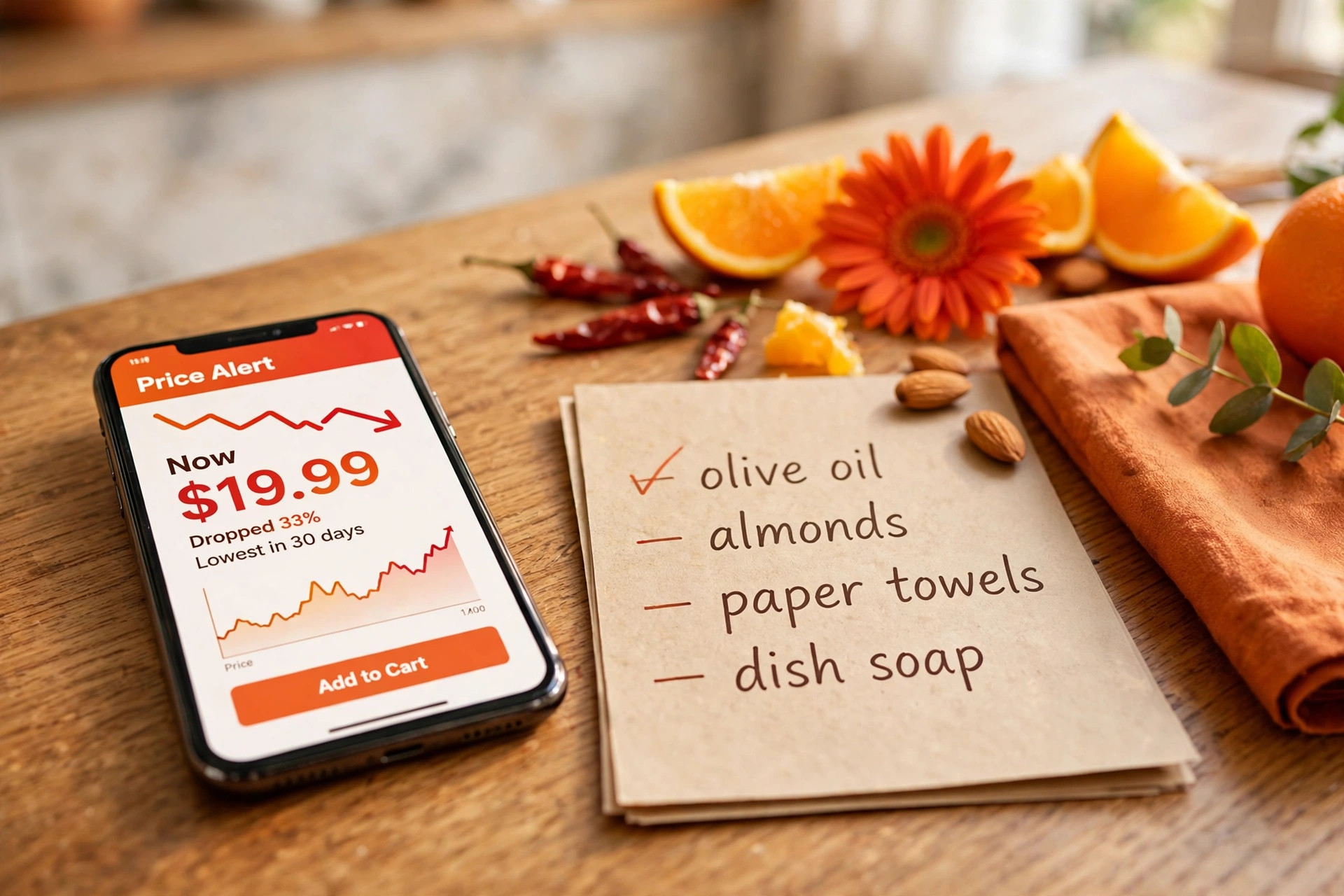
Price drops on a saved item
This is the one to keep. You save an exact item, in your size and color, and you get told when its price falls.
It’s useful because there’s no guesswork. You already decided you want it. The alert just handles the timing, so you don’t have to keep checking the page like it’s your job.
Most big retailers let you do this from a wishlist or a saved-for-later list. Your browser may offer price tracking too, if you turn on its built-in shopping features. Either route is fine. Pick one place per item so you don’t get the same ping twice.
Back-in-stock alerts for your size
Sold out in your size? That alert earns its keep.
Popular sizes vanish first and come back in small batches. If you wait to stumble on a restock, you’ll miss it. A back-in-stock alert gives you a fair shot without refreshing the page every morning.
Only set these for items you’d buy at full price or close to it. If you’d only buy it cheap, a restock ping just tempts you to overpay in a hurry.
Price history checks before you buy
Okay, this one isn’t a push notification, but it belongs in the same toolkit. Before you act on any deal alert, check what the item has actually cost before.
For Amazon listings, CamelCamelCamel shows price history charts for products sold on Amazon, so you can see whether today’s price is low, average, or dressed up to look low. That thirty-second check stops a lot of fake bargains cold.
A price that drops every few weeks isn’t urgent. A price that rarely moves, and just did? That’s worth your attention.
How to Set a Price Threshold That Works
An alert without a target price is just noise with better branding. You need a number in mind before the ping arrives.
So how do you pick that number without inventing one?
Use the item’s own history
Look at what the item has sold for recently. Price history tools help here, and so does your own order history if you’ve bought it before.
Set your target a bit below the usual selling price, not below the lowest price it has ever touched once. That lowest-ever price might have been a clearance fluke or a pricing error. If you wait for it again, you may wait forever.
Be honest about the difference. A fair target gets hit. A fantasy target just sits there while you buy the item at full price later, annoyed.
Decide your walk-away point too
Your target price says when to buy. Your walk-away point says when to stop chasing.
Say the item drops, but not to your target. Do you buy anyway? Decide now, while you’re calm. Maybe your rule is simple: buy at the target, or wait one more cycle and then buy at whatever the current price is because you need it by a set date.
Write the date down. School starts. A trip starts. Shoes fall apart. A deadline keeps a deal alert from turning into a months-long hobby.
Give each category its own rule
Groceries and household basics move in small amounts, and you buy them often. For those, a small drop on a bulk buy can be worth acting on, because you’ll use it all.
Clothes and shoes are different. Styles turn over, sizes sell out, and last season’s stock gets cleared hard. Waiting can pay off, but waiting too long means your size is gone.
Tech and appliances reward patience most of all. Models get replaced on a predictable cycle, and the older model often gets cheaper when the new one lands. If you don’t need it this week, let the alert do the waiting for you.

The Alerts to Mute Without Guilt
Now for the fun part. Turning things off.
Every alert you mute makes the ones you kept louder. So be ruthless here. You can always turn something back on later.
Store-wide sale announcements
“Sale starts now!” Okay. And?
These alerts don’t name an item or a price you care about. They just pull you into a store to browse, and browsing is where budgets go to die. You came for socks. You left with a candle, a throw pillow, and a gadget for a hobby you don’t have.
Mute them. If a store is having a real sale, your item-specific alerts will catch the drops that matter to you anyway.
Countdown and urgency alerts
Anything that shouts about hours left or stock running low wants you rushed, not informed.
Rushed you makes bad calls. Rushed you doesn’t check price history. Rushed you doesn’t check whether you already own a perfectly good version of the thing.
If a deal is genuinely good, it’ll still look good after ten calm minutes of checking. Mute the countdowns and keep your ten minutes.
Recommended-for-you alerts
These are ads wearing an alert costume. The store picked the item, not you.
Sometimes the pick is eerily good. That’s the problem. It creates a want you didn’t have five minutes ago, then offers to solve it at a discount. You didn’t save money. You spent money you had no plan to spend.
Off. Your own list is the only recommendation engine you need.
Daily deal digests you never open
Check your email honestly. If you delete a store’s daily digest unread most days, that’s your answer.
Unsubscribe or mute it. A digest you’ll open once a week during a planned shop is fine. One that lands daily and gets ignored is just clutter that buries the alerts you actually want to see.
A Simple Weekly Routine That Keeps Alerts Useful
Alerts drift if you ignore them. Items get bought. Needs change. That coat alert from October makes no sense in February.
So give the whole setup ten minutes once a week. Same day, same time, coffee in hand. Here’s a rhythm that works.
First, scan your active alerts. Already bought the item somewhere else? Delete the alert.
Second, check your planned buys. Anything new earned a spot? Anything you don’t need anymore? Cross it off. Lists love to cling to old plans.
Third, look at what pinged you this week. If an alert type never leads to a buy, mute it for a month and see if you miss it. You probably won’t.
That’s the whole system. Small, regular cleanups beat one big purge you’ll never do.
Keep alerts in one place
Scattered alerts get forgotten. If items are tracked in your browser, an app, and email all at once, you’ll miss pings and double-buy.
You don’t need a perfect app. You just need one main home you actually check. Pick the tool you open most, move your key items there, and let the rest go quiet.
Turn off alerts the moment you buy
Bought the item? Kill the alert right away, while you’re still on the confirmation page if you can.
Leftover alerts cause a special kind of pain. The price drops again next week, you get pinged, and now you’re annoyed at a purchase you were happy with. Or worse, you buy a second one “just in case.”
One buy, one alert, done. Close the loop.
Frequently Asked Questions
How many deal alerts should I have on at once?
Keep it small enough that you read every ping. For most people that’s alerts for five to ten planned items, plus a few back-in-stock watches. If you’re ignoring alerts, you have too many. Cut the list, not your attention.
What’s the best way to set a target price?
Base it on the item’s recent price history, not on a hope. Tools like CamelCamelCamel show Amazon price history, and your own past orders help for repeat buys. Aim a bit below the usual selling price, and add a date by which you’ll buy anyway if you need the item.
Are store-wide sale alerts ever worth keeping?
Rarely, and only for a store where you shop on a fixed schedule anyway, like a monthly household stock-up. Even then, item-level alerts do the same job with far less noise. For clothes, tech, and gifts, store-wide alerts mostly lead to unplanned browsing.
Should I use my browser’s built-in price tracking or a retailer’s app?
Use whichever one you’ll actually check, and use just one per item. Browser tracking is handy across stores, while a retailer’s own wishlist alerts are often faster for restocks in your size. Duplicates don’t save you more. They just double the pings.
What should I do when an alert fires but the discount looks small?
Check the price history first, then check your deadline. A small drop on something you need this week can still be the right buy. A small drop on something with no deadline is usually a pass. Your pre-set target price makes this call fast and boring, which is exactly what you want.
This article was created with AI assistance and reviewed by our editorial team before publishing.