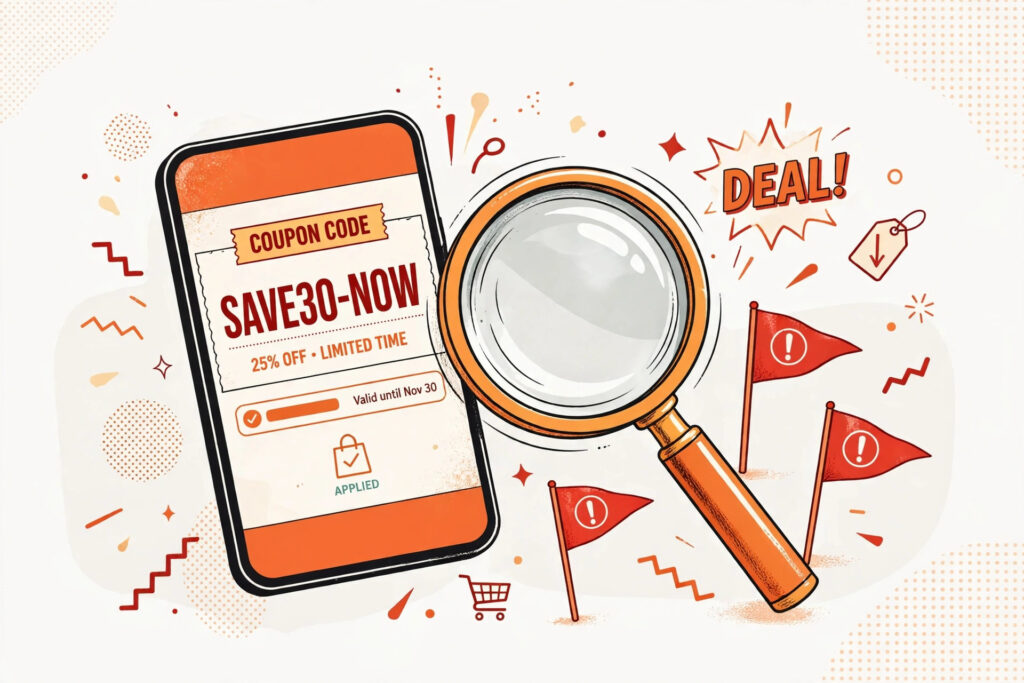
Fake coupon sites copy a retailer’s sale, invent a code, and send you hunting for savings that never existed. You can spot most of them in under a minute: check the retailer’s own site first, look for a source and an expiry date, and test the code in a signed-out cart before you trust it.
Here’s the annoying part. The code fails at checkout, sure. But the site that listed it still wins. You clicked. You stayed. You maybe even signed up for alerts. The fake listing did its job, and it wasn’t helping you save.
That doesn’t mean every coupon site is a scam. Plenty of listings are fine. The trick is telling a real, sourced code from one built to look like it.
The sale that never needed a code
The oldest trick in this game? Relabeling. A retailer runs a public sale on its own homepage. Prices are already cut. No code, no coupon, nothing to enter. Then an aggregator copies that sale onto its own page, slaps a code box next to it, and acts like the code does the work.
You click “show code.” A string of letters pops up. You paste it at checkout and — surprise — it does nothing. Or the discount was already applied before you typed a thing. Either way, the aggregator gets credit for a “saving” it didn’t create.
Watch for vague wording. Real listings say where a code comes from and what it applies to. Relabeled sales stay fuzzy. “Huge savings today!” Which products? Which terms? No answer. Just a button, begging for a click.
Countdown timers that never run out
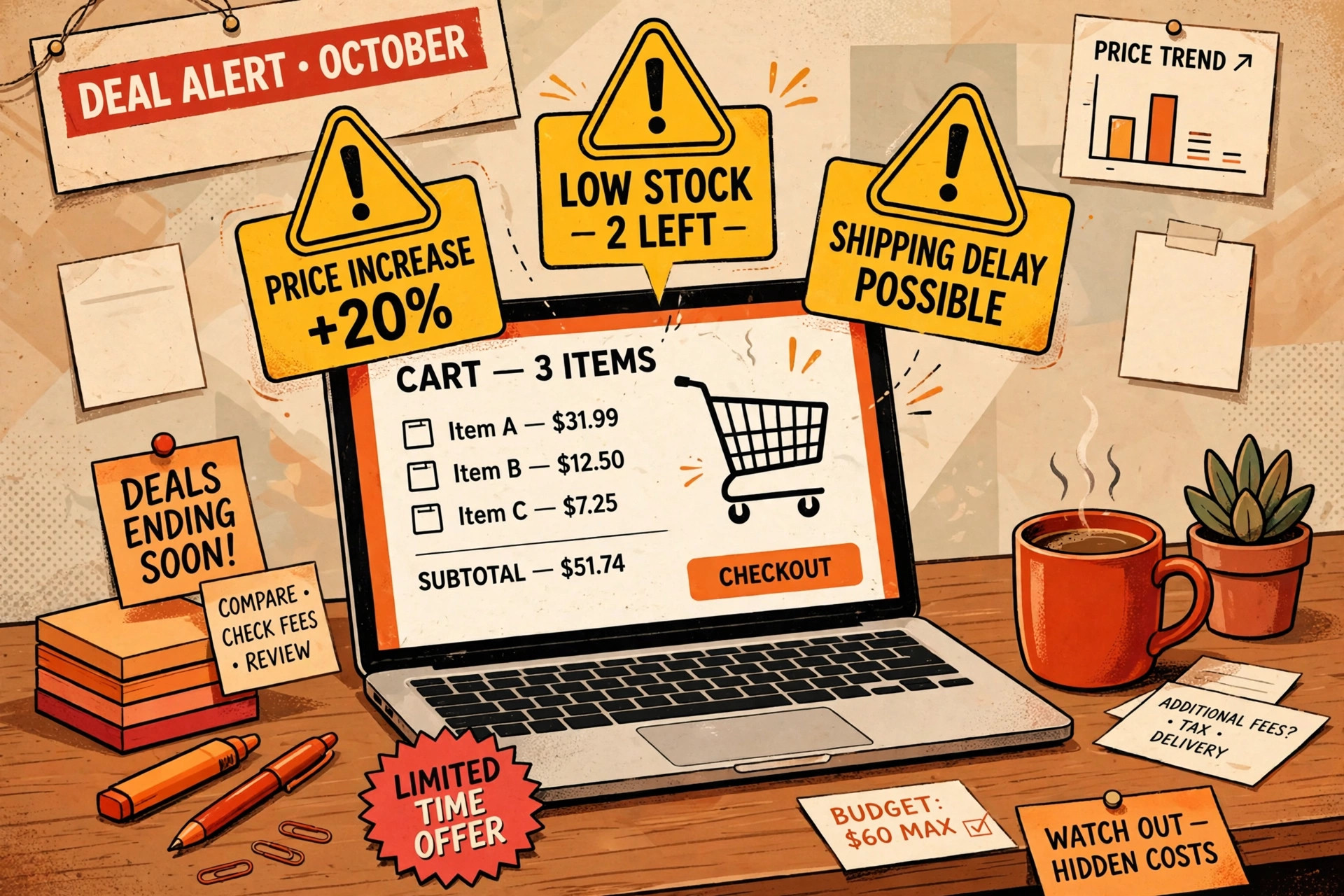
See a timer ticking down on a coupon page? Don’t rush. Reload the page. On plenty of fake listings, the timer just starts over. Close the tab, come back tomorrow, and the same “ending soon” deal is somehow still ending soon.
Urgency is cheap to fake. A timer needs no deal behind it — just a bit of code on the page. Real sales do end, of course. But a real retailer puts an end date in plain text, where you can check it. A fake listing gives you a ticking clock and nothing to pin down.
Same story with stock warnings. “Almost gone!” Gone from where? The aggregator doesn’t hold stock. It can’t know. That line exists to hurry you past the point where you’d stop and check.
What that verified badge really means
Badges look official. A little checkmark, a green stamp, words like “verified” sitting next to a time so recent it feels live. Who checked it, though? How? On what?
A listing like SAVE40NOW (an invented example) can wear that badge all day. The badge doesn’t say a person tested the code in a real cart. It doesn’t say anyone tested it at all. On weak sites, the label updates itself — fresh timestamp, same unchecked code underneath.
So read badges as decoration, not proof. Proof looks boring: a named source, a checkable date, readable terms. If a site can’t show those, its stamp is just clip art.
Copycat domains and lookalike pages
Some fake coupon sites don’t even bother building a brand. They borrow one. The name reads like a retailer you know, off by a word or two. The colors match. The logo looks close enough at a glance, especially on a phone.
Slow down and read the address bar. That’s where copycats fall apart. The domain is a jumble, or it pairs a famous name with extra words that no real retailer would use. Our Spot the Fake guides say it plain: if you didn’t type the address yourself, don’t trust the page just because it looks right.
Search results feed this, too. A copycat page can rank for a retailer’s name plus “coupon” and catch shoppers mid-hunt. Close the tab and go direct — type the retailer’s address, or open its app.
Real listing, fake listing: side by side
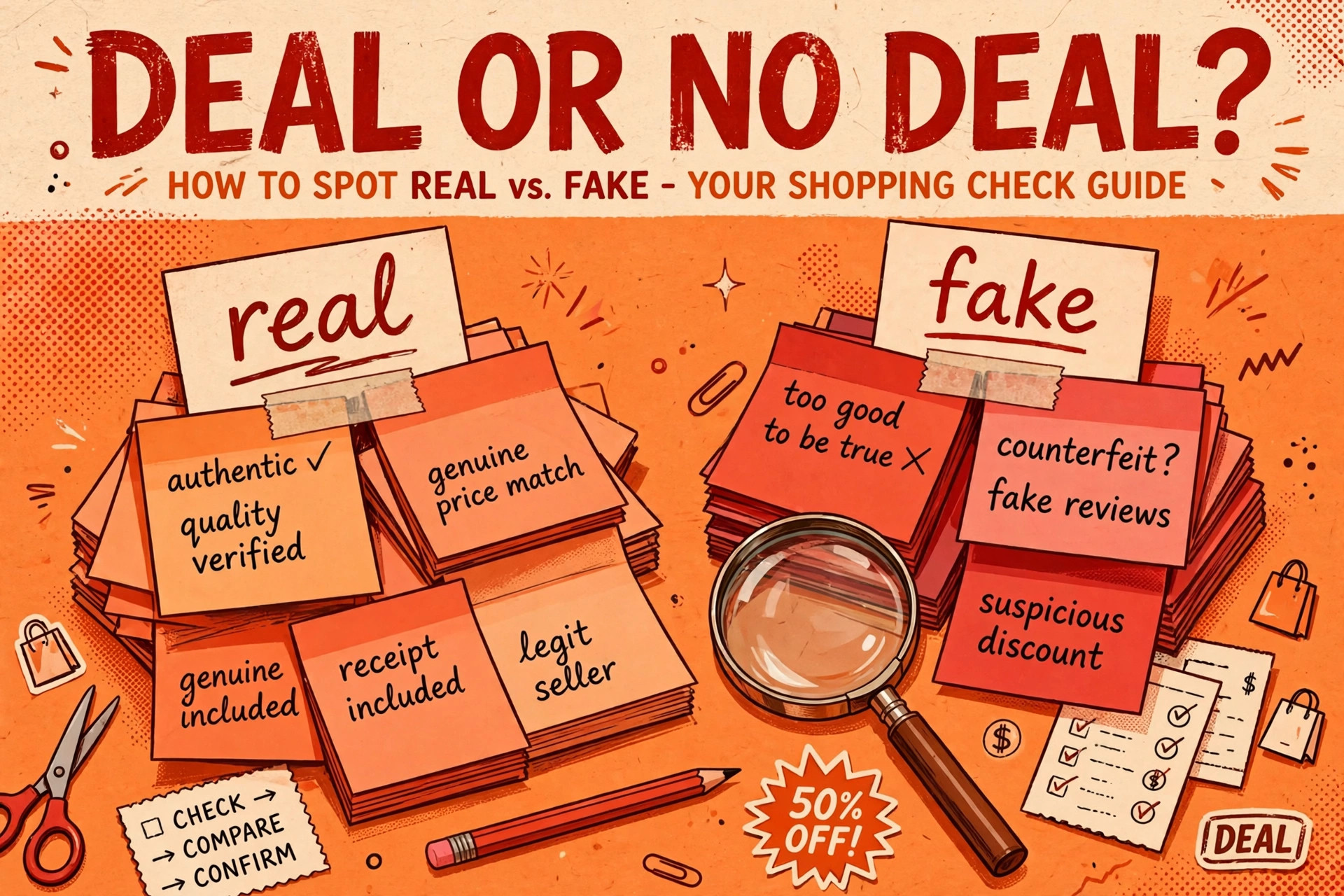
Put two listings side by side and the gap jumps out. Real ones give you things you can check. Fake ones give you feelings — hurry, excitement, fear of missing out — and little you can test.
| Signal | What real listings show | What fake listings show |
|---|---|---|
| Source | Names where the code came from | No source, or “our team found it” |
| Expiry | A clear end date in plain text | A countdown timer that resets on reload |
| Terms | What the code covers and what it skips | Vague promises, no terms at all |
| Verification claim | Says how and when it was checked | A badge with a fresh timestamp and no method |
| The code itself | Also listed by the retailer, or matched in its app | Appears nowhere except aggregator pages |
| Success claims | No score, or a score with a stated sample behind it | A glowing rate with no sample and no dates |
That last row matters. A success rate with no sample behind it tells you nothing. How many tries? When? On which products? A number without those answers isn’t data. It’s dressing.

The 60-second verification routine
You don’t need special tools for this. You need one minute and a bit of stubbornness. Run these steps in order, and stop the moment one of them fails.
First, go to the source. Open the retailer’s own site or app. Look at its homepage, its offers page, its banner. If the sale is real, the retailer is shouting about it too. If the code isn’t mentioned anywhere on the retailer’s turf, that’s your answer, most days.
Next, read the listing like a skeptic. Find the source. Find the expiry. Find the terms. Three things, ten seconds. A listing that hides all three isn’t a deal page — it’s a click page.
Then test it signed out. Open a private window, add an item the terms say qualifies, and try the code before you log in. Why signed out? Because you shouldn’t have to pay with your email just to learn a code is dead.
Last, judge the score. If the page brags about how often the code works but won’t say how many people tried it, or when, ignore the brag. No sample, no weight. And if the code fails your cart test? Walk away. Don’t try the next code on the same page.
If a code fails, don’t blame your cart
Shoppers do this all the time. The code fails, and they assume they typed it wrong or picked the wrong item. Sometimes that’s true. Often it isn’t. Some codes never worked because they were never issued. No retailer created them, and no cart will accept them.
Expired codes are the gentler version. A code can be real once and dead now, still sitting on aggregator pages months later because nobody cleaned the list. That’s why the expiry check matters — a real-but-dead code wastes your time the same way an invented one does.
Either way, your move is the same. Skip the code, buy at the retailer’s stated price if that price is good, or wait.
The 60-second check before you trust a code
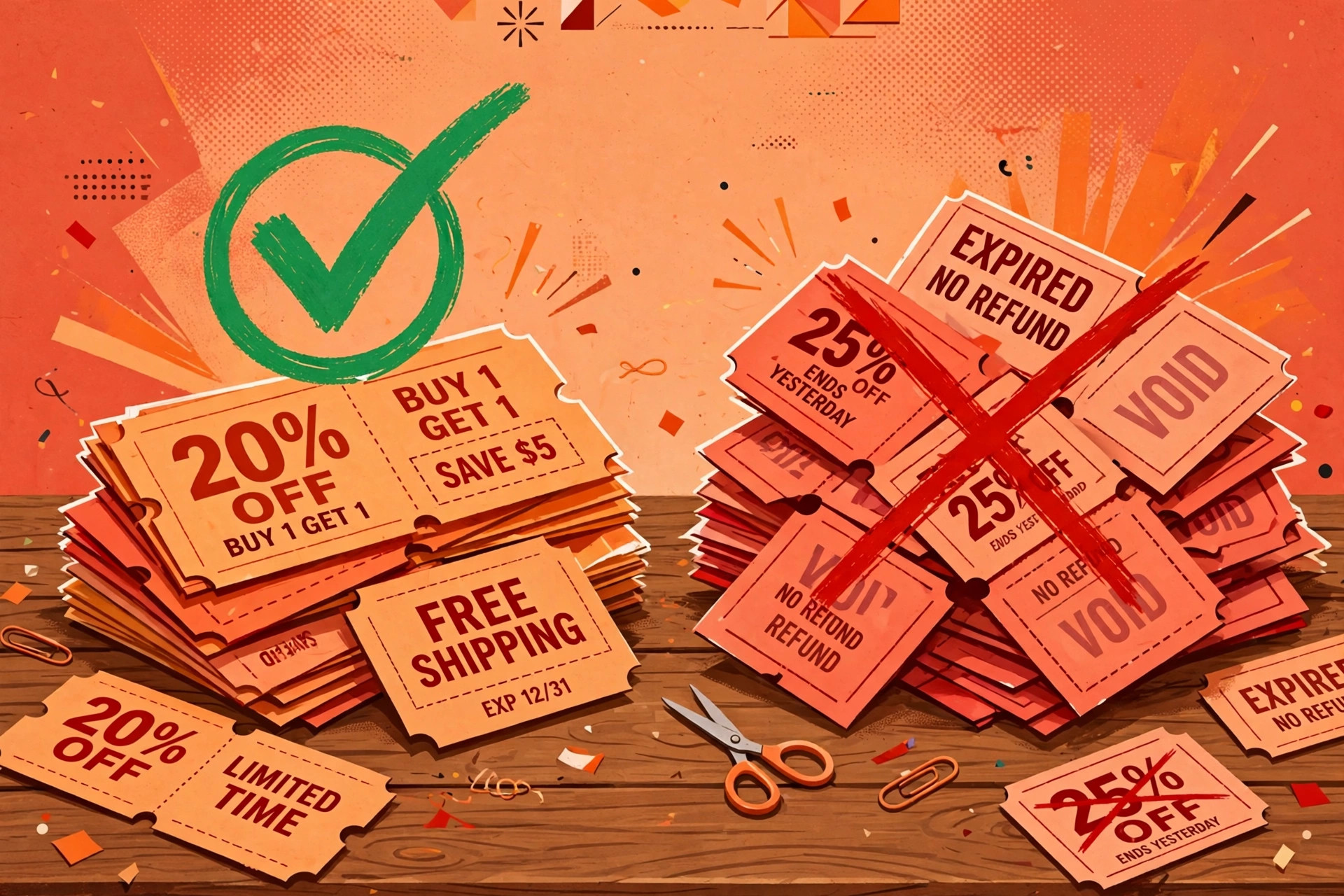
Print this in your head. Run it every time a code looks too easy or too urgent. It takes less time than re-entering your card details after a failed checkout.
- ☐ Open the retailer’s own site or app first. Is the sale or code listed there?
- ☐ Read the aggregator listing. Does it name a source you can check?
- ☐ Find the expiry in plain text — not a timer. Is it still in date?
- ☐ Read the terms. Do they say what the code covers, in words?
- ☐ Ignore any “verified” badge that doesn’t say how the check was done.
- ☐ Treat a success rate with no sample and no dates as no evidence at all.
- ☐ Test the code in a signed-out or private cart before you log in.
- ☐ If it fails, stop. Don’t work down the rest of that page’s list.
That’s it. No app, no signup, no faith required. A real code survives sixty seconds of checking. A fake one folds — before checkout, not during it.
This article was created with AI assistance and reviewed by our editorial team before publishing.